On May 29, 2026, Sami Akkawi published a guide showing how the Model Context Protocol (MCP) and an MCP server can let multi‑agent AI systems coordinate complex workflows across many apps without building custom connectors. The guide argues this matters because it reduces integration overhead and helps preserve model reasoning by keeping each agent’s context small and focused.
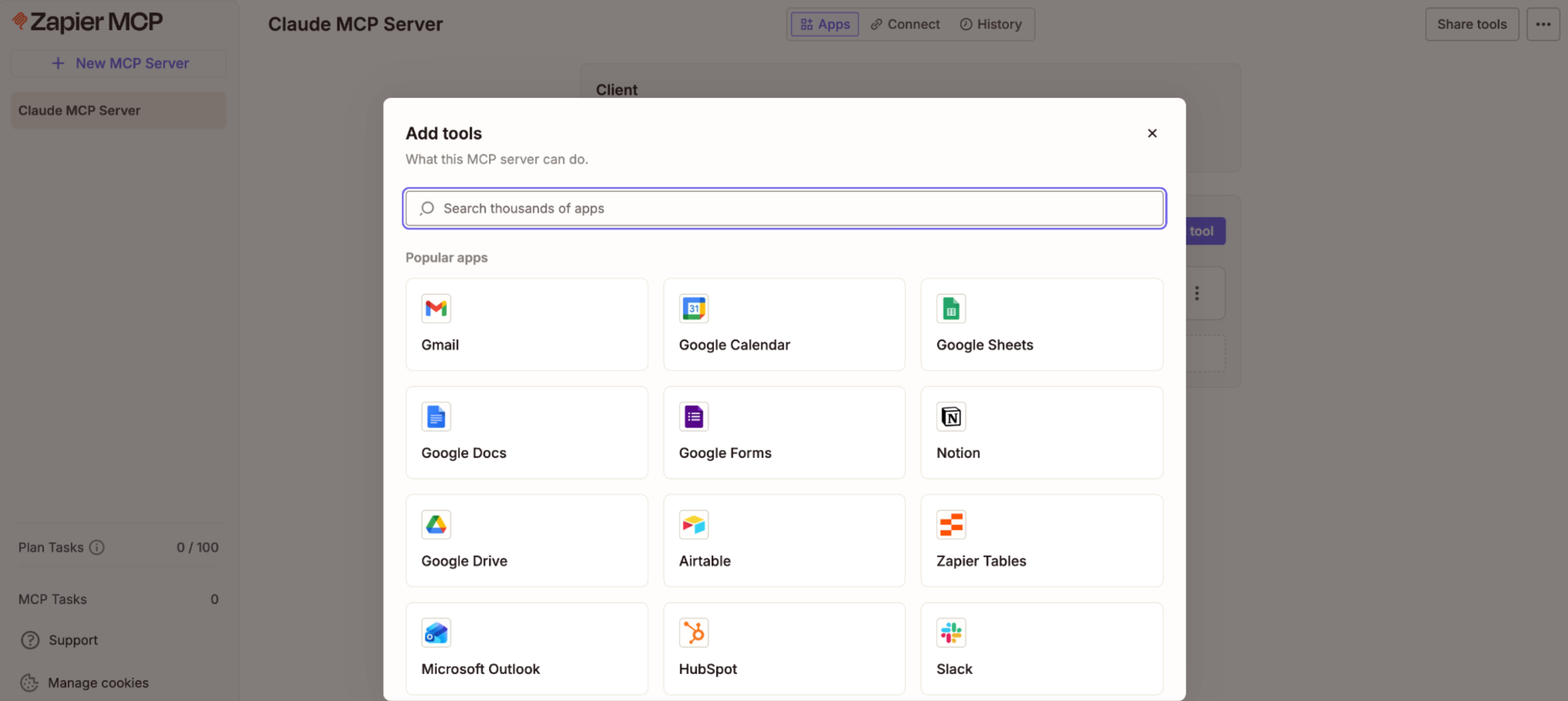
A concrete MCP server implementation described in the guide exposes more than 9,000 apps and roughly 30,000 actions. The server is presented as OAuth‑managed so app credentials are not exposed to models, runs on SOC 2 Type II‑certified infrastructure, and includes governance controls that let developers choose which apps and actions each agent may access. At its core, the MCP server functions as a translator between agents and external tools: agents request tools, send parameters, and receive results through a shared protocol, regardless of the AI platform they run on. That shared interface is intended to remove the need for bespoke integrations between each agent and each tool.
The guide contrasts single‑agent and multi‑agent architectures, noting that a single agent’s reasoning can degrade when it must juggle many tools, formats, and decisions. Multi‑agent systems split work into specialized roles so each agent maintains a smaller context window, which the author says preserves reasoning quality and reduces cognitive load for each model. MCP also provides a common language that can bridge different AI platforms — examples cited include Claude, ChatGPT, and Gemini — and it can integrate with orchestration frameworks such as LangGraph and CrewAI. For builders, this means teams can scope agent permissions to shrink the exposed surface area and avoid embedding credentials or tool details directly in model prompts.
The guide outlines practical setup steps: install an MCP server into the chosen AI tooling or use the Zapier SDK when agents run inside code editors, then map agent roles and required tools before granting access. A sample role breakdown is provided — Research (web search, Notion read, Slack read), Drafting (Notion read, Google Docs write), Editing (Google Docs review) — and the author recommends defining each agent’s toolset up front to keep context windows small and focused for production automation and auditing.
Sources
Replies (0)
No replies in this topic yet.
