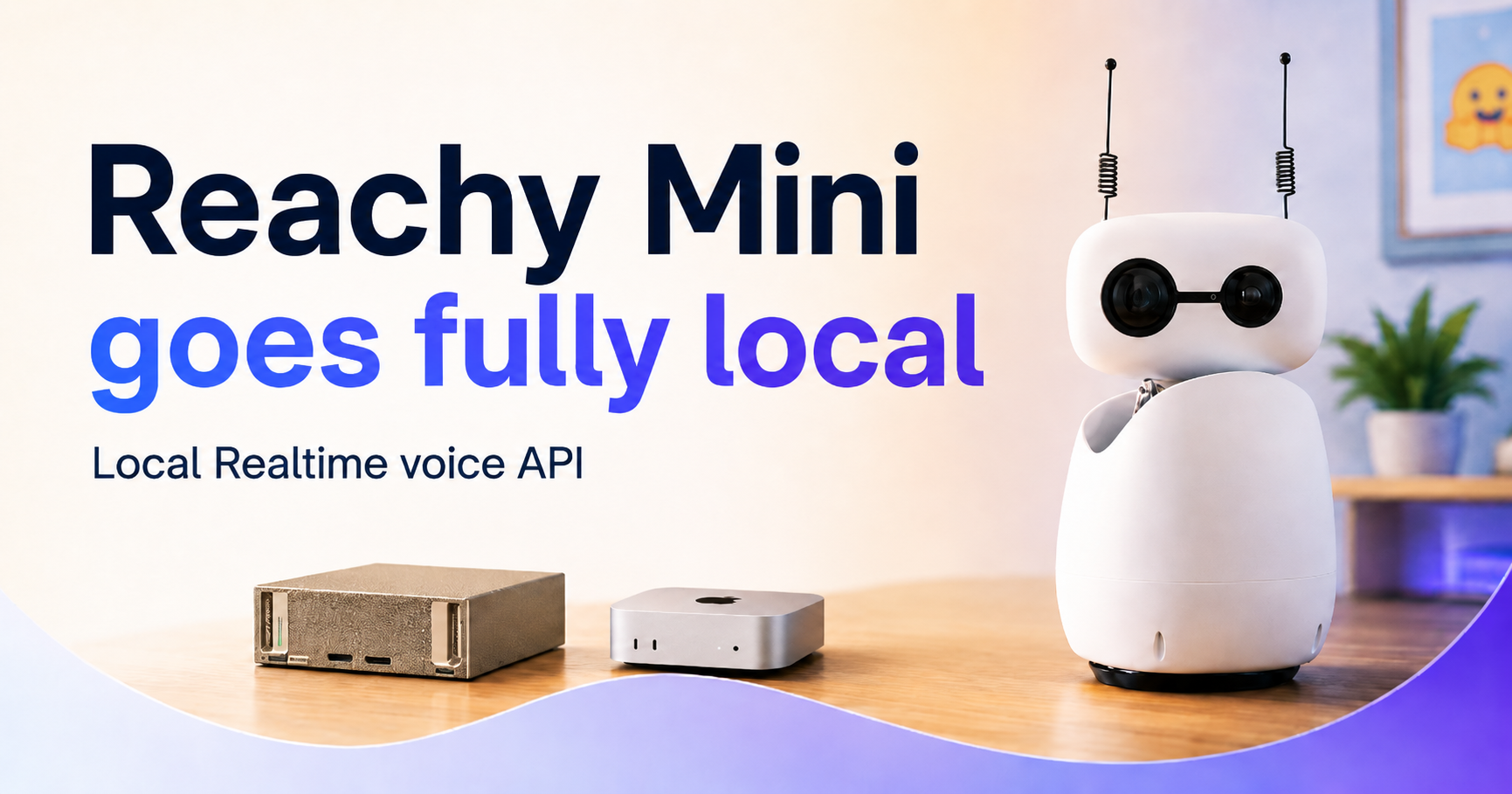
A new step-by-step guide demonstrates how Reachy Mini can run its entire speech — to-speech stack locally, exposing a Realtime API-compatible /v1/realtime WebSocket that the robot’s conversation UI can point to. Hosting the pipeline on-device keeps audio processing on your hardware, avoiding remote uploads and enabling tighter control over latency and configuration. This matters to builders who need privacy, lower operating costs, or the ability to swap individual models during development.
The guide provides concrete commands and recommended components to reproduce the stack. For the language model it uses llama.cpp to serve the Gemma 4 GGUF model via a command that pulls from the Hub and configures two parallel slots and a 64k context window (example flags: -np 2 -c 65536 --fa on --swa-full). For the speech pipeline the authors recommend Silero VAD, Parakeet — TDT 0.6B v3 for speech — to-text, and Qwen3 for text-to-speech. Installation examples include pip install speech — to-speech and running speech — to-speech --responses_api_base_url "http://127.0.0.1:8080" --responses_api_api_key "" --mode local to boot the local server.
The approach is framed as a cascade — VAD → STT → LLM → TTS-which the guide argues is currently the most flexible and, with appropriate models, the fastest open-source option for real-time interaction. Cascades let builders swap or upgrade individual pieces as new models and tools appear on the Hub, a key advantage given how frequently components are updated.
Running the stack locally delivers three practical benefits: audio and transcripts can remain on hardware you control (privacy), you avoid per-minute or per-token API charges (cost), and you gain full control to tune or replace VAD/STT/LLM/TTS components (customization). The authors also flag trade — offs: faster TTS models may sacrifice quality, and some STT choices trade speed for accuracy, so teams should select components to match their latency, quality, and multilingual needs.
The guide covers setup details for llama.cpp: it can be installed via brew or winget and will download the Gemma model on first run, then reuse the cached model on subsequent launches. The example server flags are chosen so the server can handle interruptions without blocking, provide a large shared context window for extended conversations, and enable flash attention plus a sliding — window cache to speed prompt processing for Gemma — oriented models.
To connect Reachy Mini, the instructions show launching the local backend instances, opening the Reachy desktop conversation app, and switching the backend to local by clicking "edit connection" in the UI. The speech — to-speech repository supplies a single CLI that boots the compatible /v1/realtime WebSocket server so the robot can talk to the locally served pipeline; the guide also includes short videos demonstrating both terminal and UI flows.
Sources
Replies (0)
No replies in this topic yet.
