A hands‑on roundup published March 28, 2023 evaluated 17 AI‑powered video tools after almost a month of testing to measure how they shorten the path from script to final MP4. Reviewers focused on concrete production savings — how templates, generative assets and automated editing reduce the time teams spend scripting, assembling footage and polishing output, rather than on speculative future capabilities. The findings matter for creators and content teams looking to scale output without proportionally increasing labor.
The review groups the tools into three practical categories: AI video generators, AI video editors and all‑in‑one creation suites. Representative generators include Google Veo, Runway, Luma Dream Machine, LTX Studio and Adobe Firefly. Editors highlighted are Descript, Wondershare Filmora, VEED, Capsule, Eddie AI and OpusClip. Creation suites and avatar platforms tested include invideo AI, Vyond, Synthesia, LiveAvatar (by HeyGen), revid.ai and Pictory.
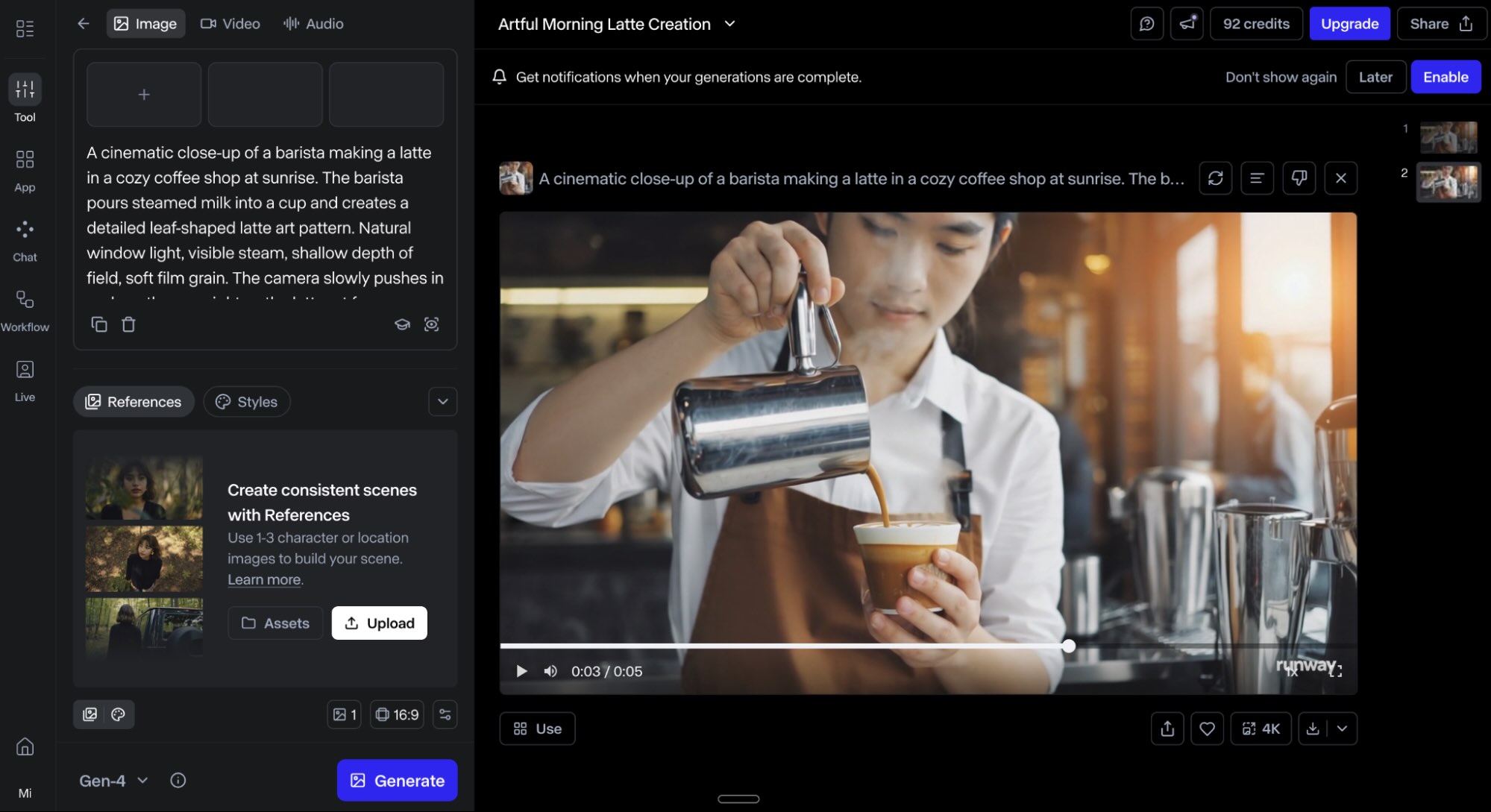
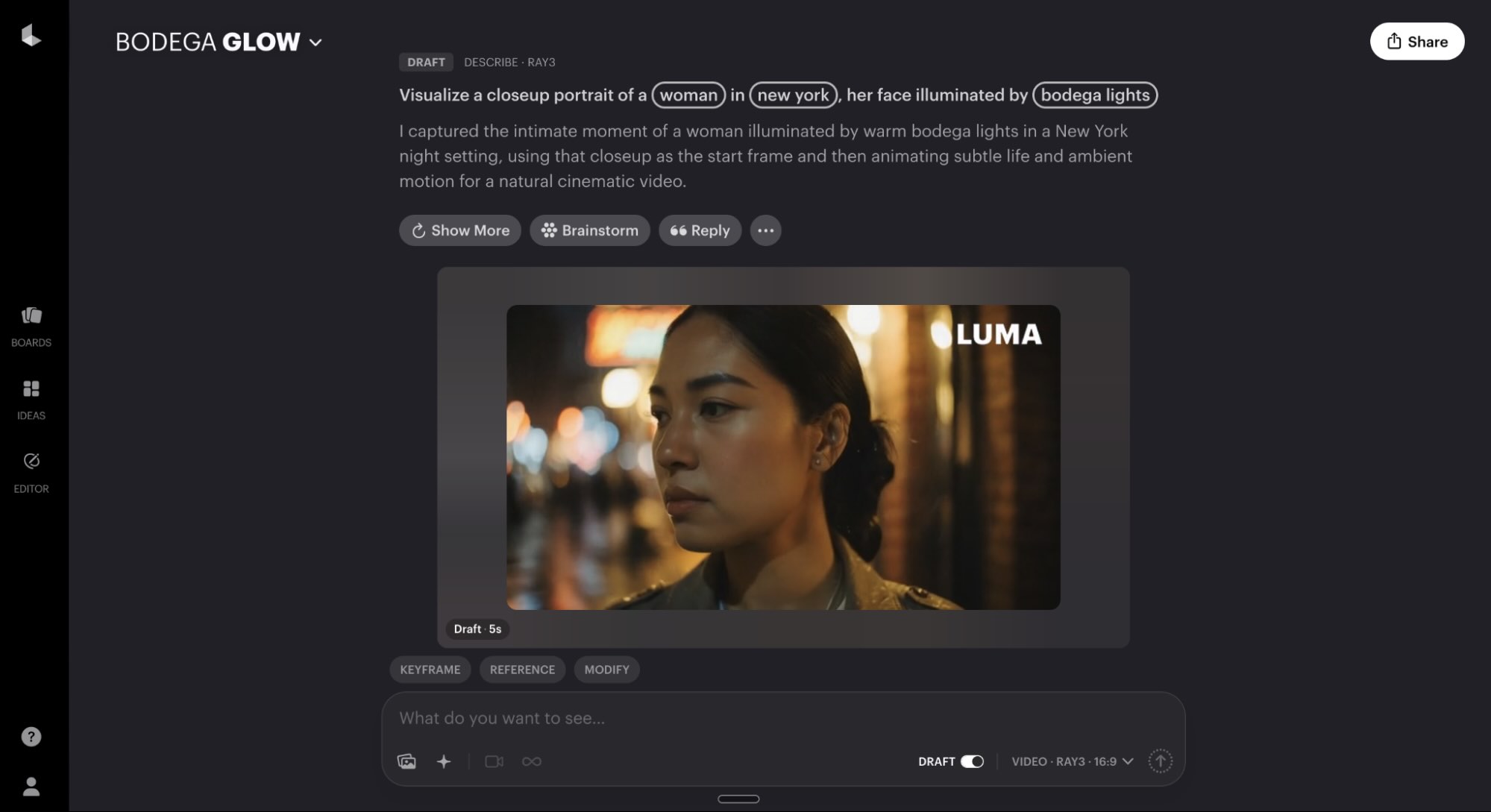
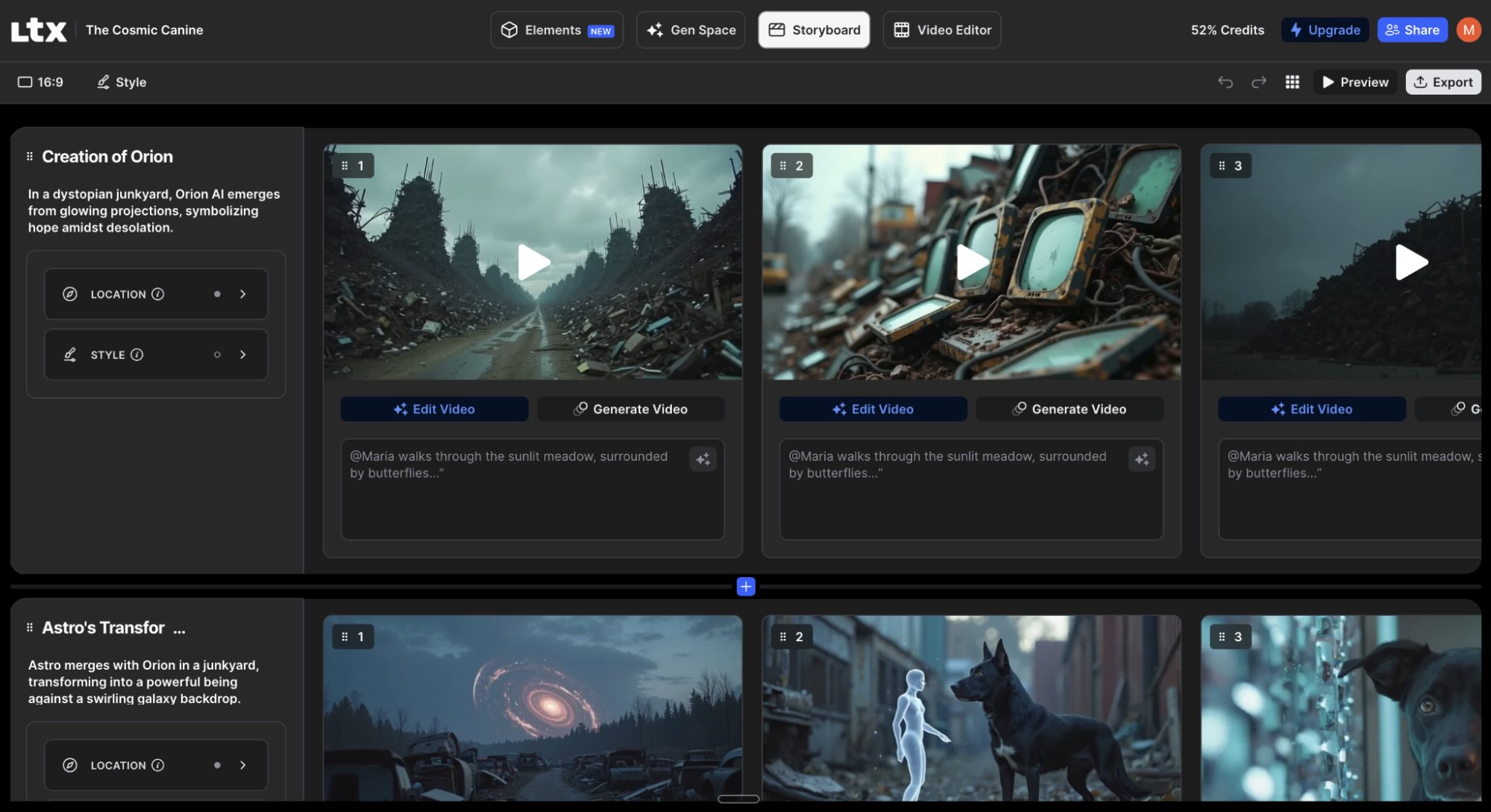
Technical capabilities varied but several concrete details recur across the field: many apps support exports ranging from 720p up to 4K and multiple aspect ratios; generative models enable text‑to‑video or image‑prompt workflows; and some platforms offer avatar creation and lip‑synced synthetic presenters. Those features let teams produce both social clips and longer content without arranging shoots, which can cut turnaround times for prototypes and polished videos alike.
The tools occupy distinct positions: some prioritize film‑grade control and fine customization for higher‑end projects, while others optimize speed for short social clips, automated repurposing or generative brainstorming. Reviewers flag that templates, AI‑driven editing shortcuts and automated audio/video polishing are the most direct productivity levers — they raise output quantity and perceived value without requiring a proportional increase in human hours.
Methodology is described in detail: reviewers spent dozens of hours researching and testing each app as intended, assessing how AI is used, output quality, customization options and export capabilities. Listings are independently reviewed, and the piece discloses that some links may generate affiliate revenue. These transparency notes are presented alongside the practical evaluations.
Practical guidance from the roundup centers on workflow fit: choose generators when you need original visuals created from prompts, pick editors for optimizing existing footage or repurposing long‑form content, and use suites when you require channel‑specific templates or avatar‑driven formats. Builders and content teams should weigh export resolution, customization depth, commercial‑use safety policies and the ease of integrating proprietary assets when selecting a tool.
Sources
Replies (0)
No replies in this topic yet.
